Become a tester on Android or iPhone
Free access to Limen on Android and iPhone before publication. Feedback helps identify issues and improve the app; the planned Android testing period is at least fourteen days.
Android
Google Play, closed testing
- Enter the email address of the Google account used on your Android phone in the form below.
- Registration of this account on the Google Play tester list, followed by delivery of the test link.
- Open the link, accept the test and install Limen from Google Play.
iPhone
TestFlight, closed testing
- Enter the email address of the Apple account used for the iPhone test in the form below.
- Registration of this address in TestFlight, followed by an email invitation from Apple.
- Install TestFlight from the App Store, open the invitation and install Limen.
The Android robot is reproduced or modified from work created and shared by Google and used according to terms described in the Creative Commons 3.0 Attribution License.
Become a tester
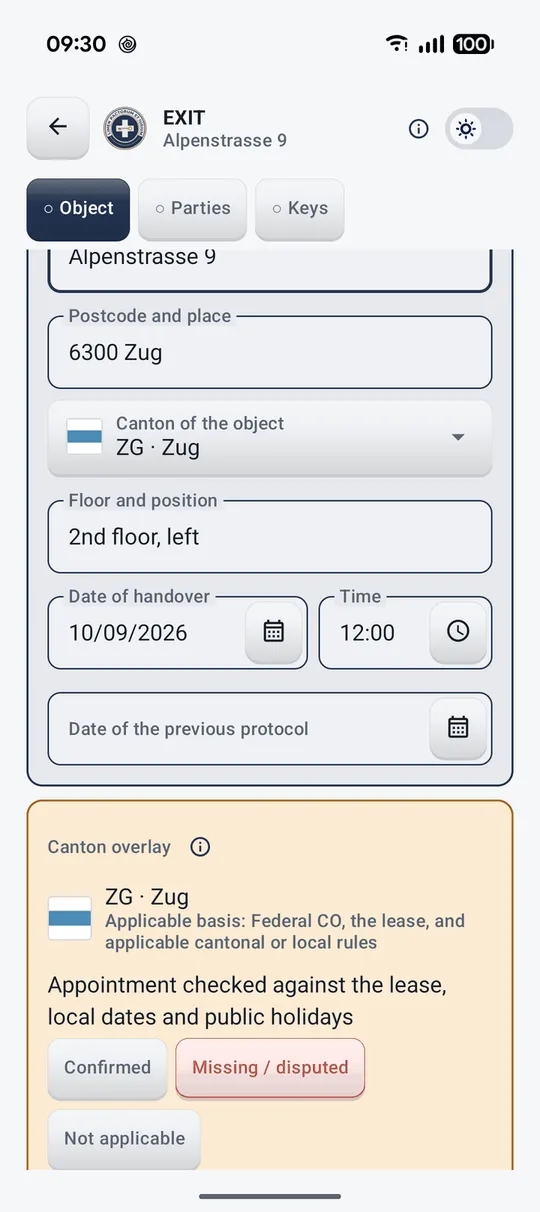
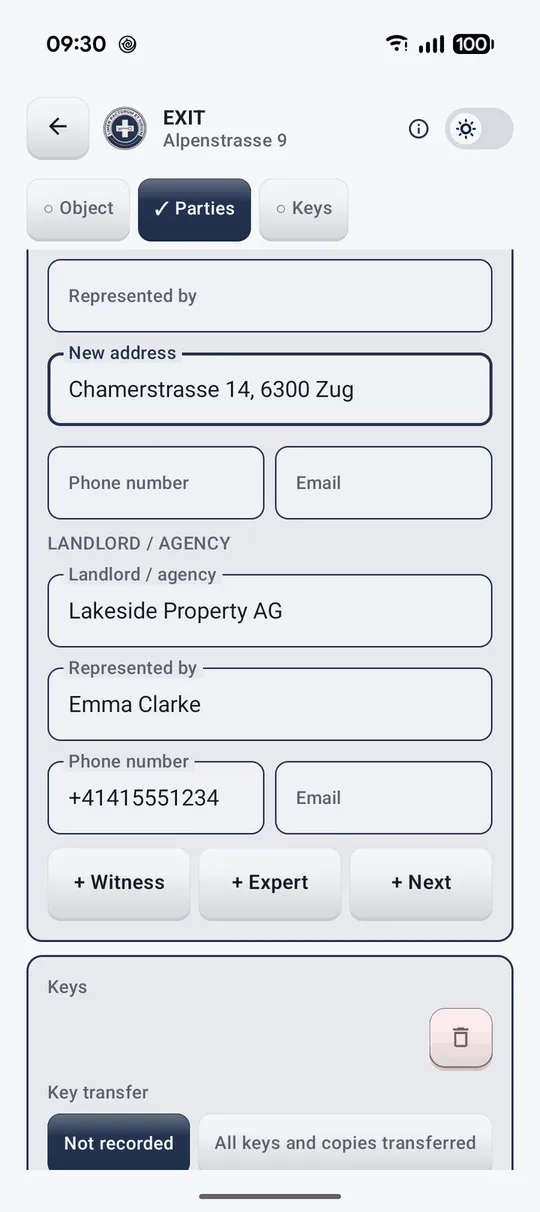
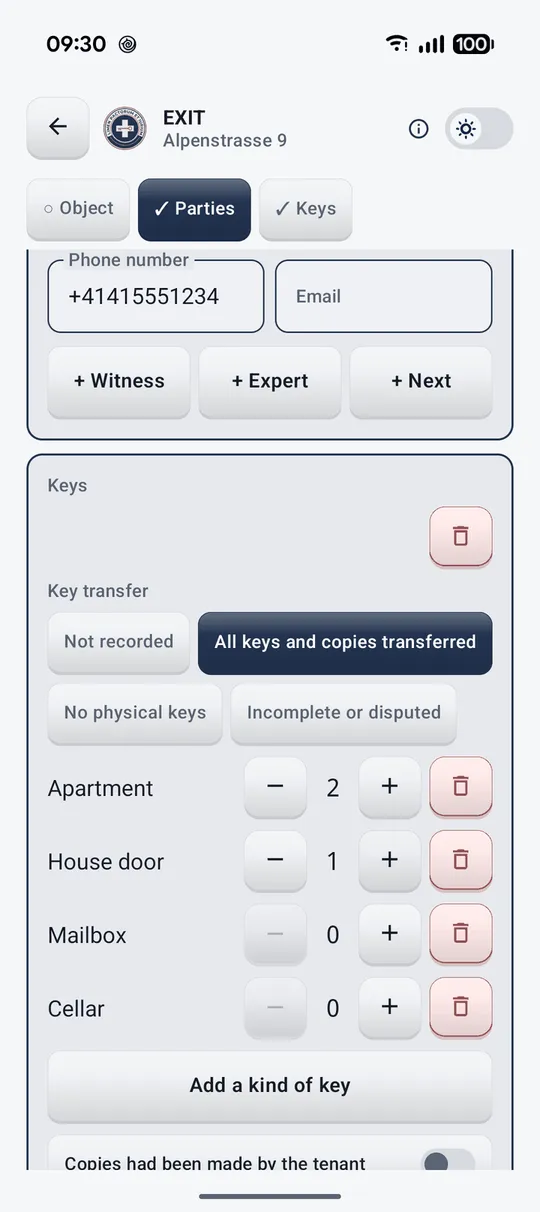
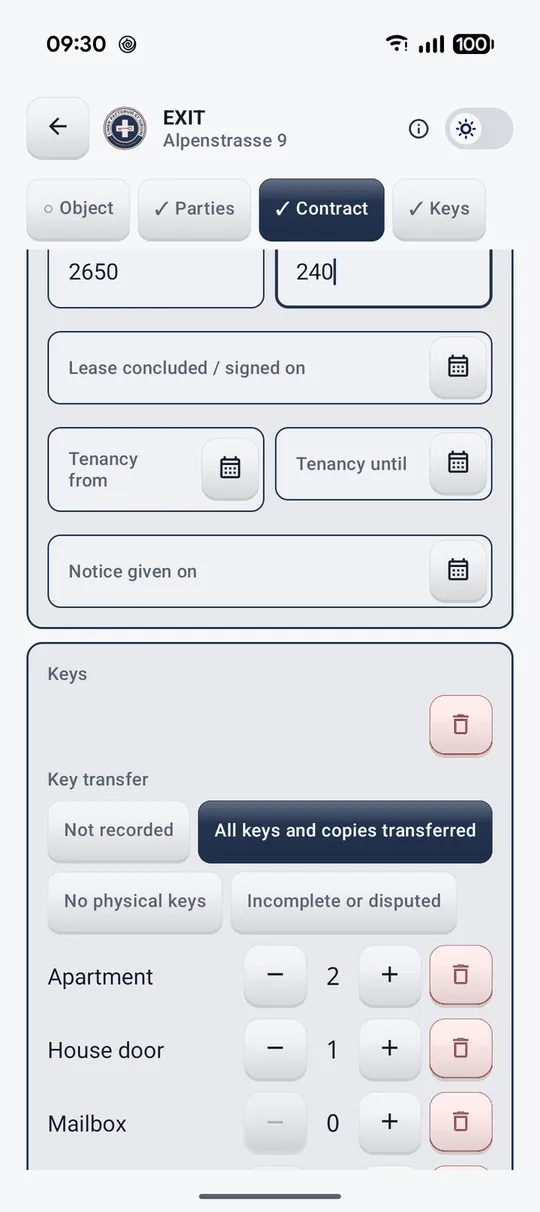
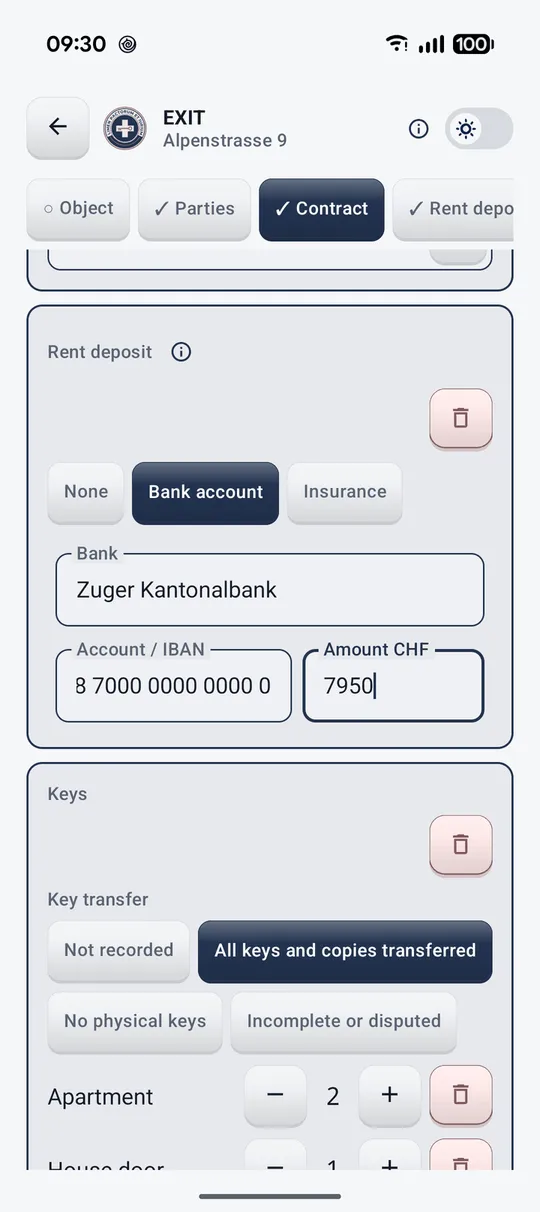
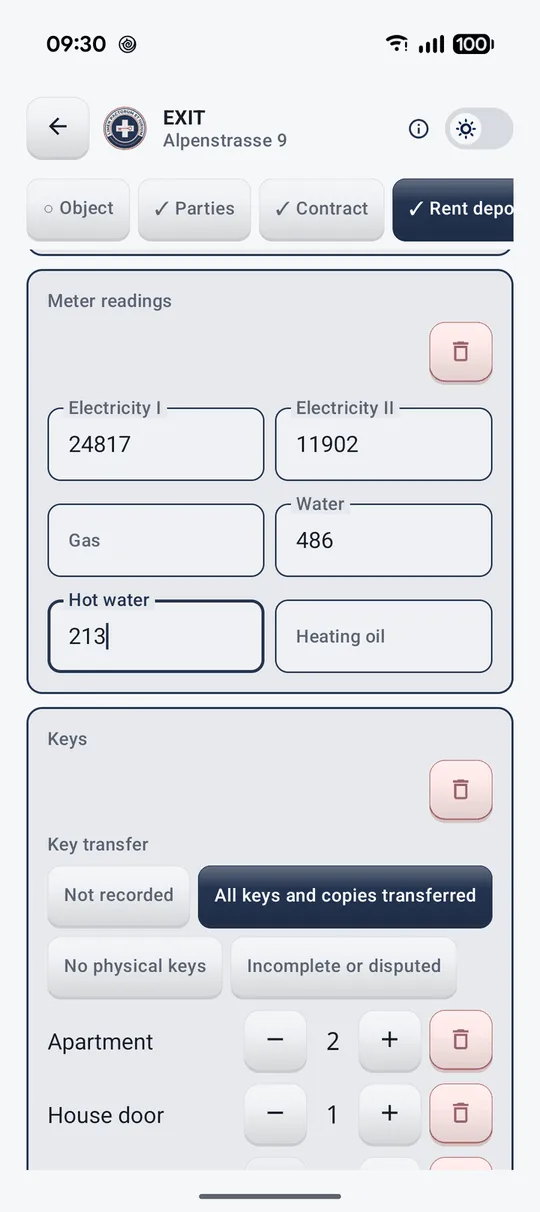
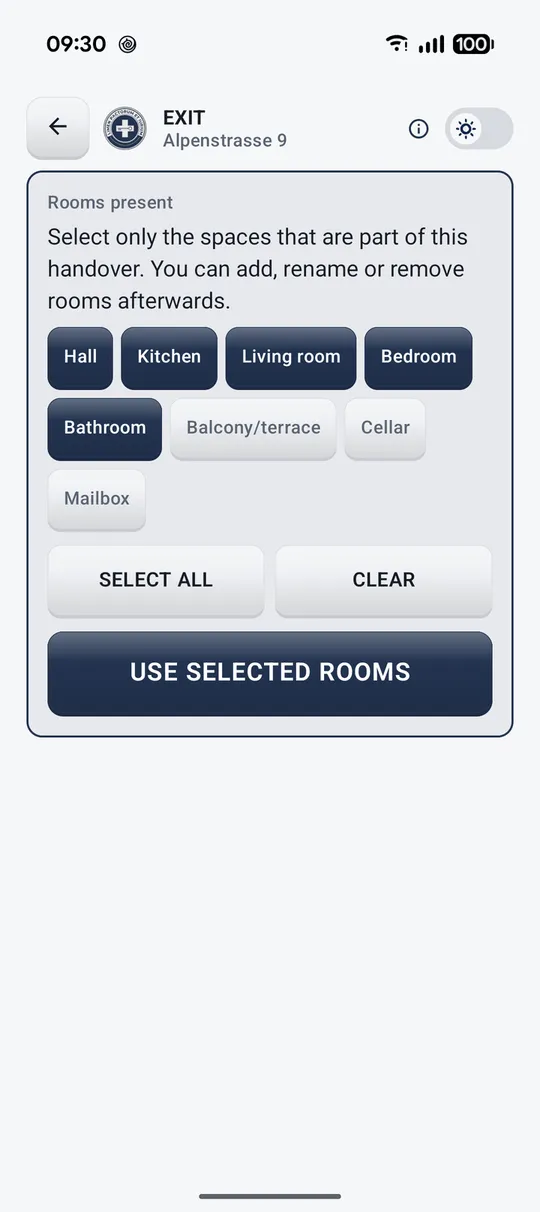
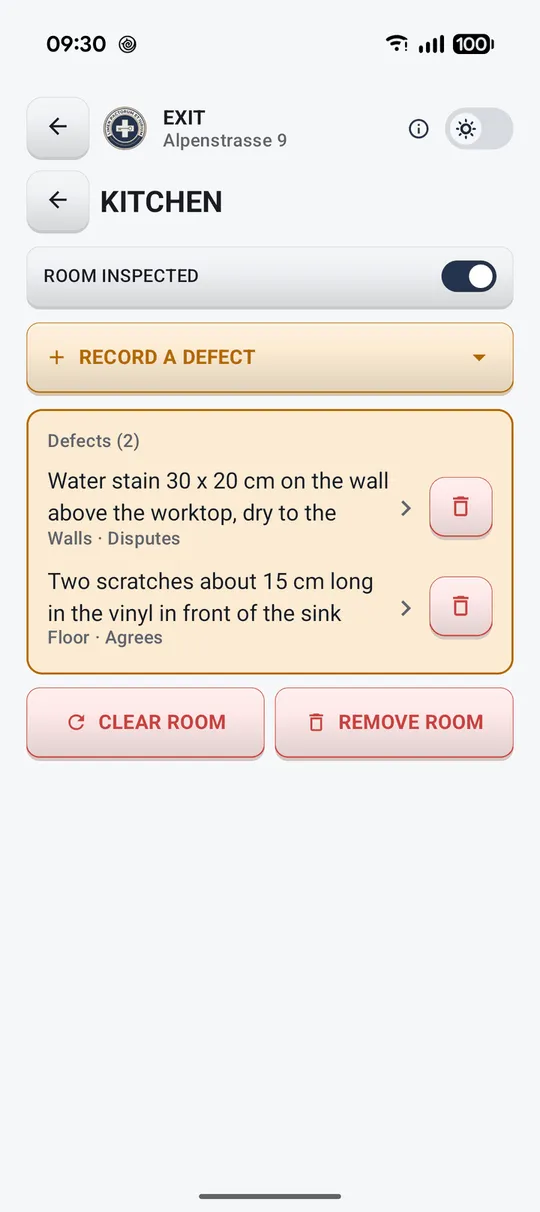
The app in pictures
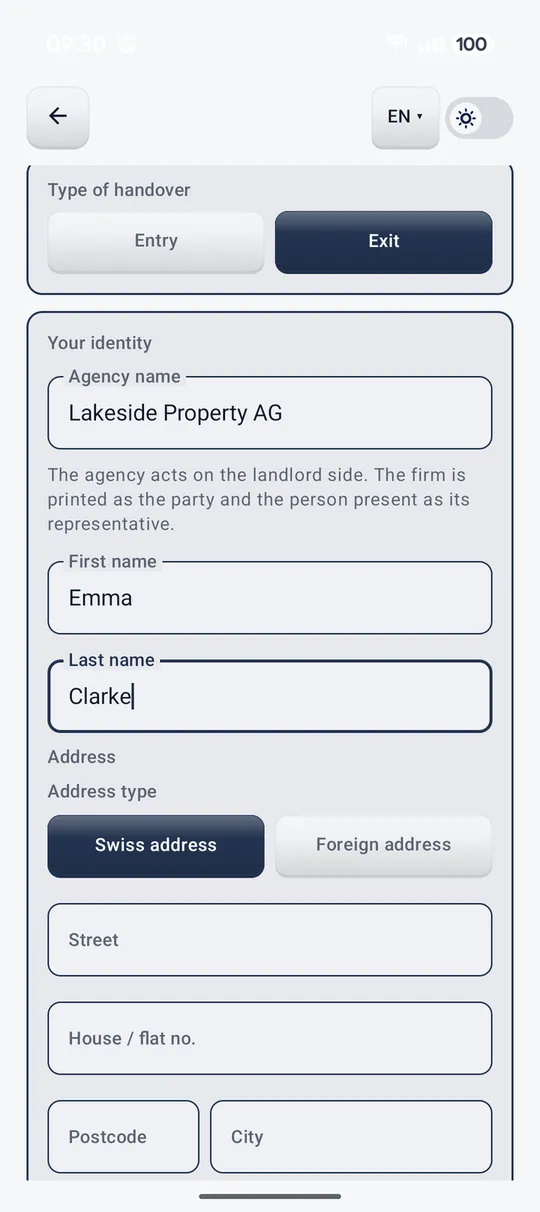
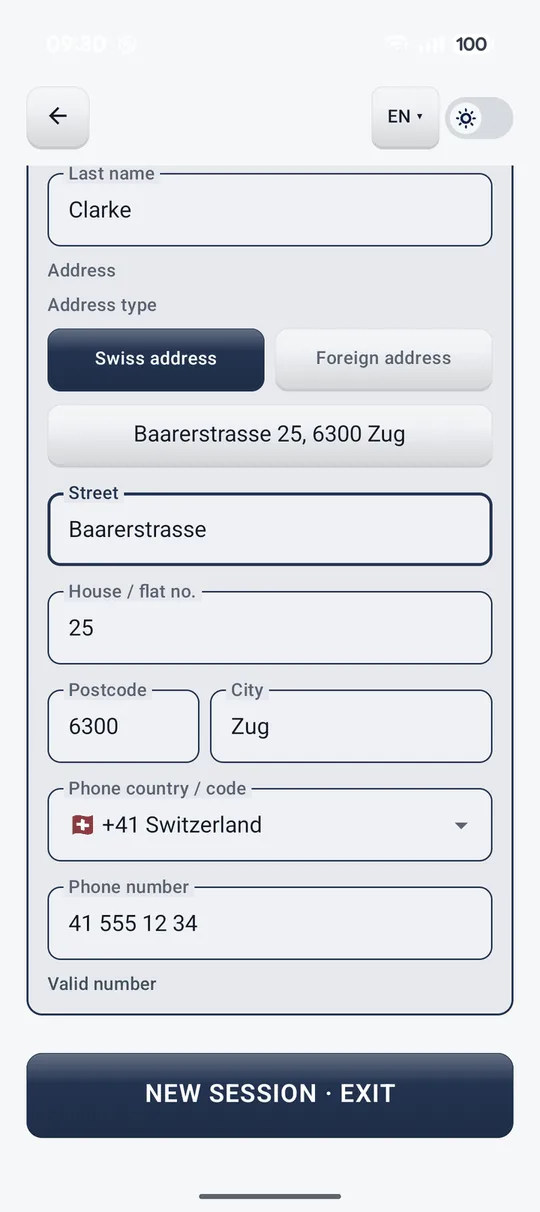
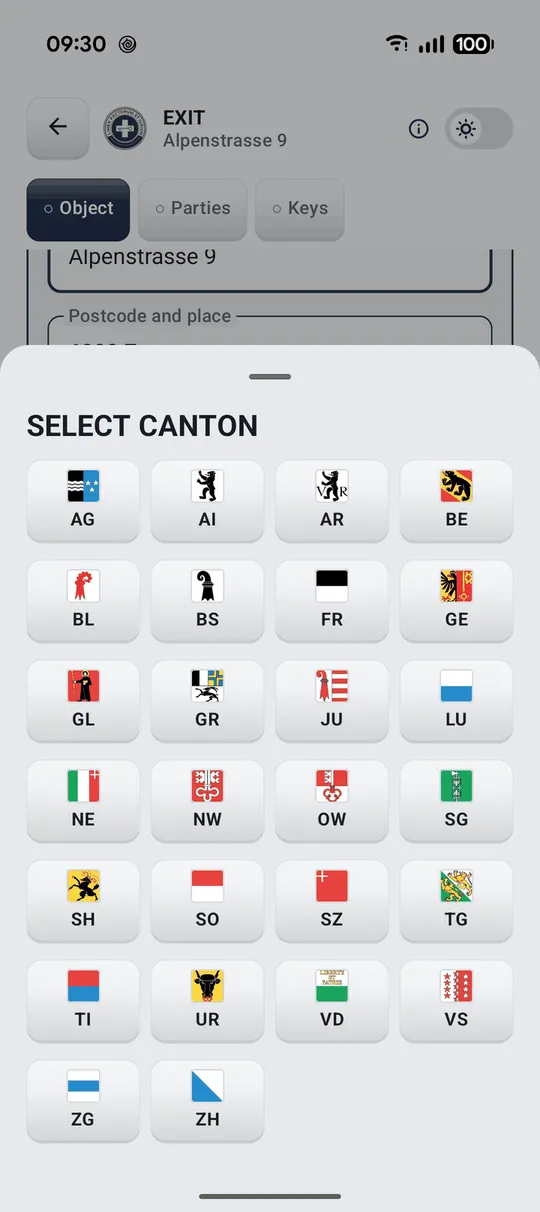
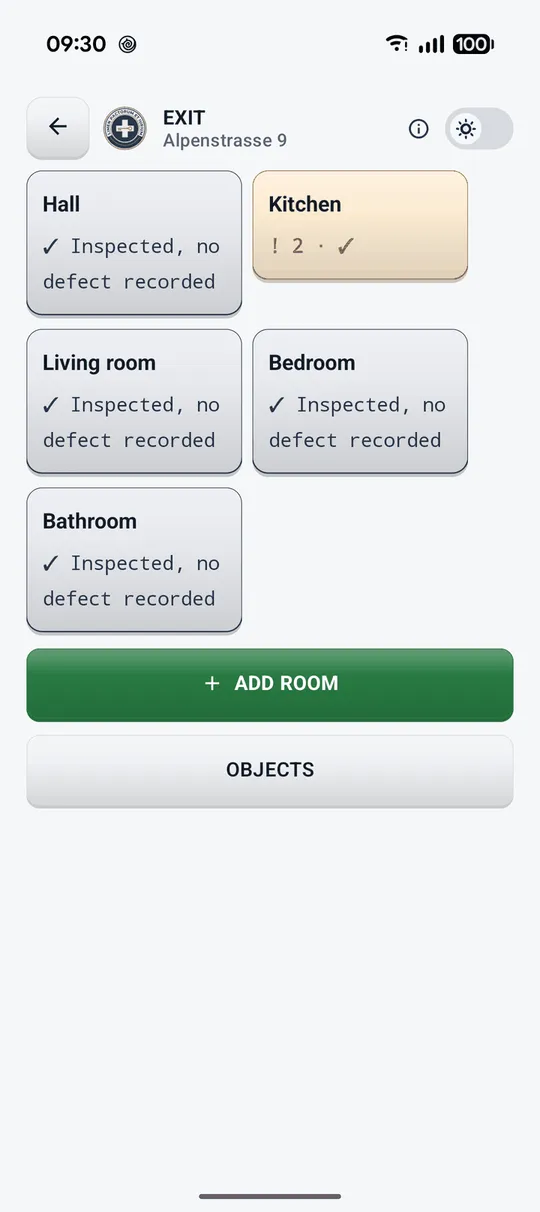
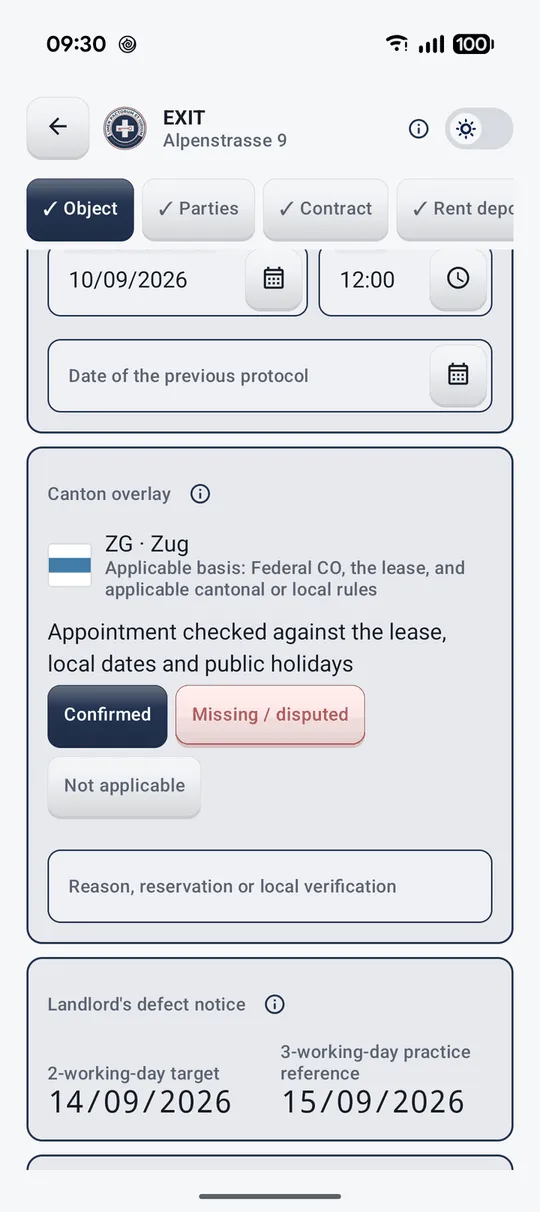
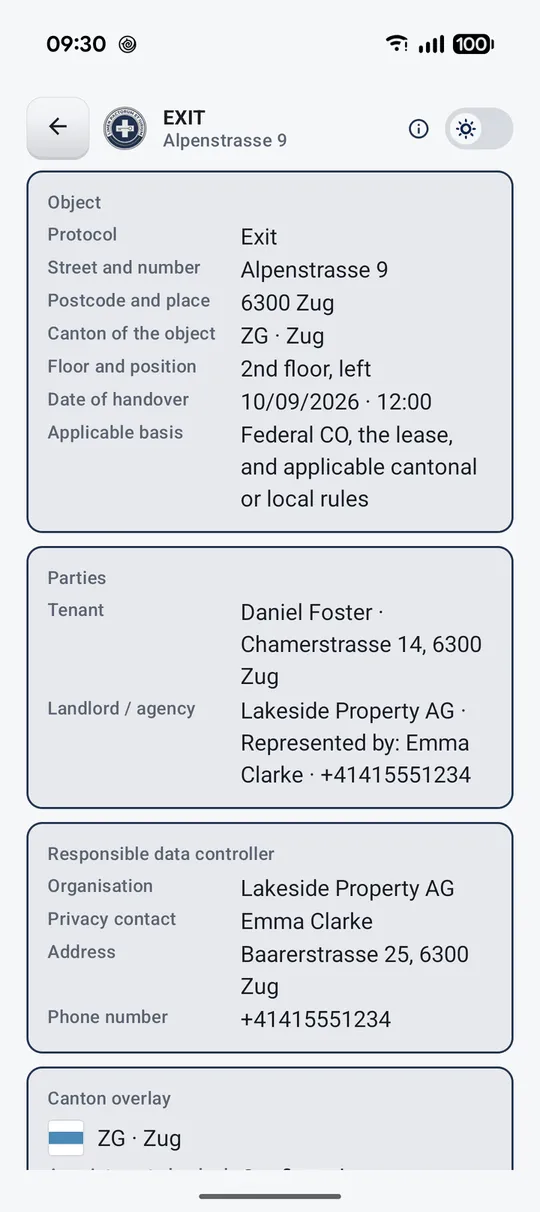
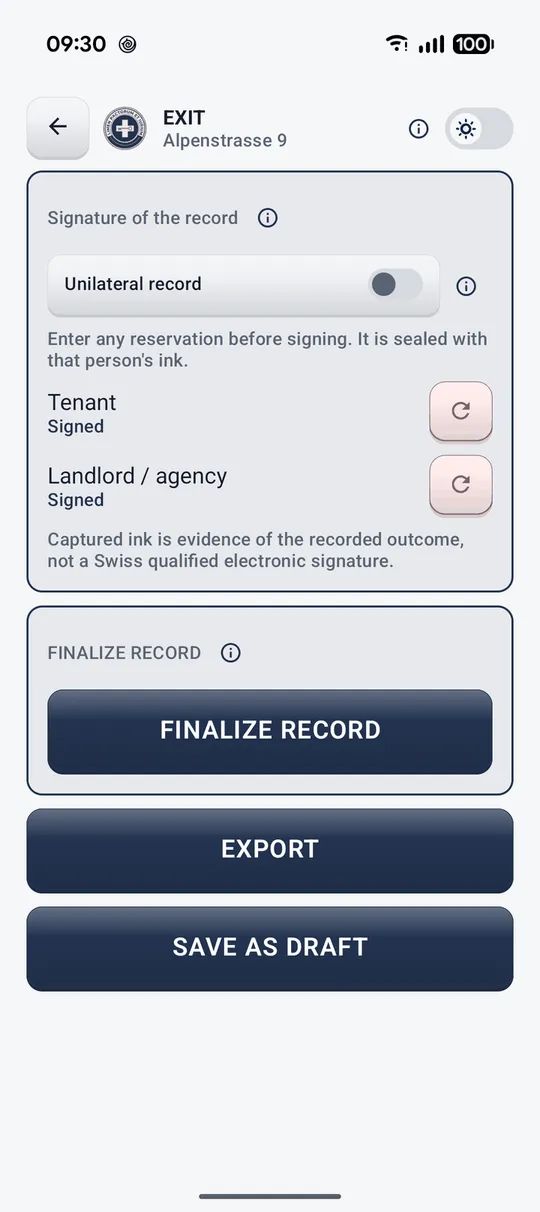
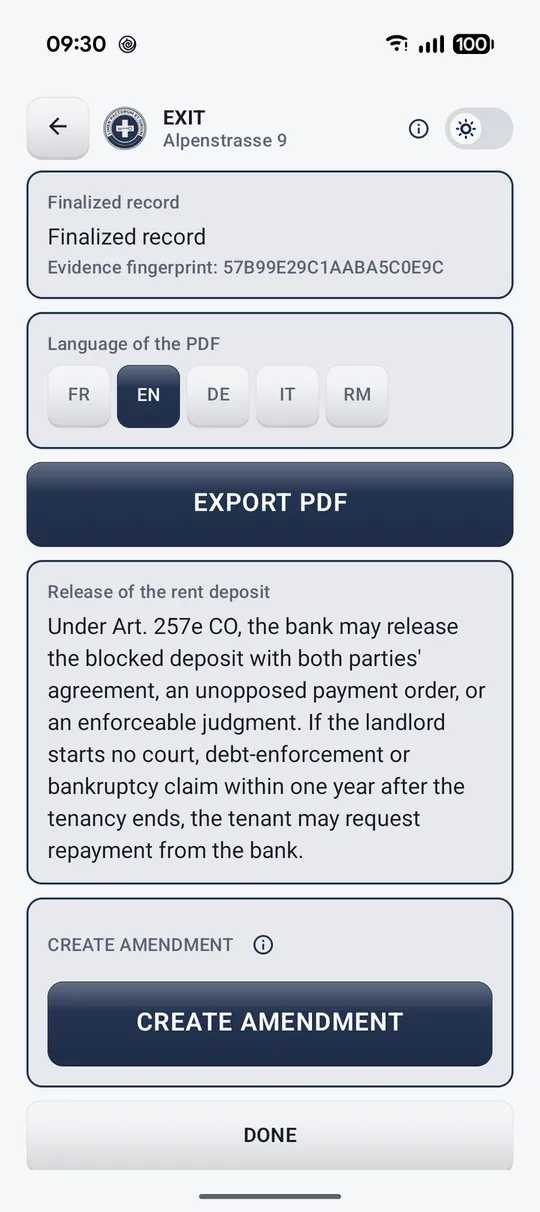
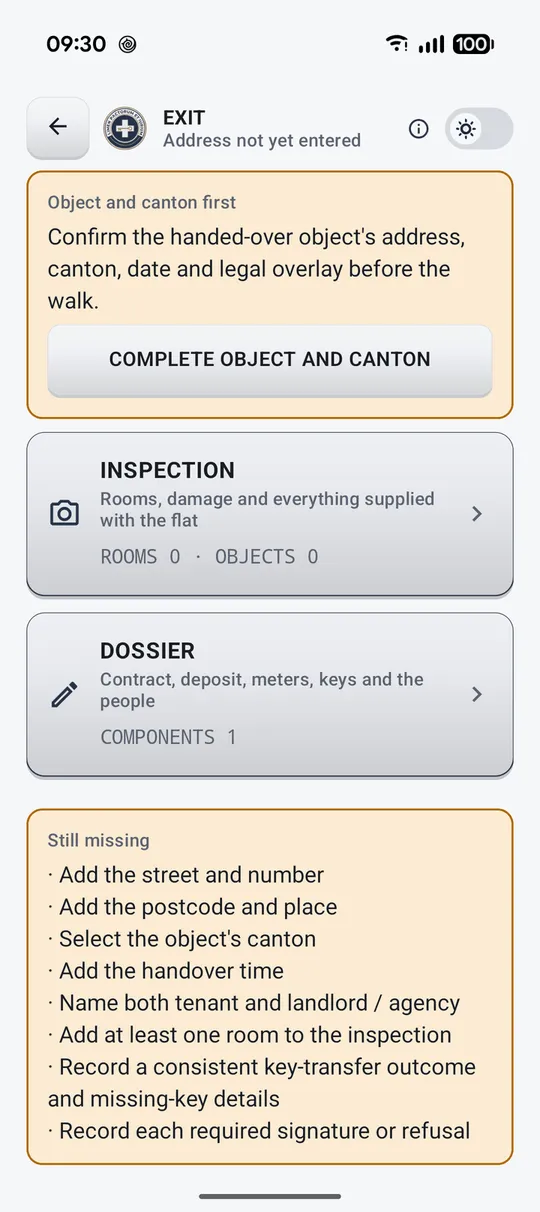
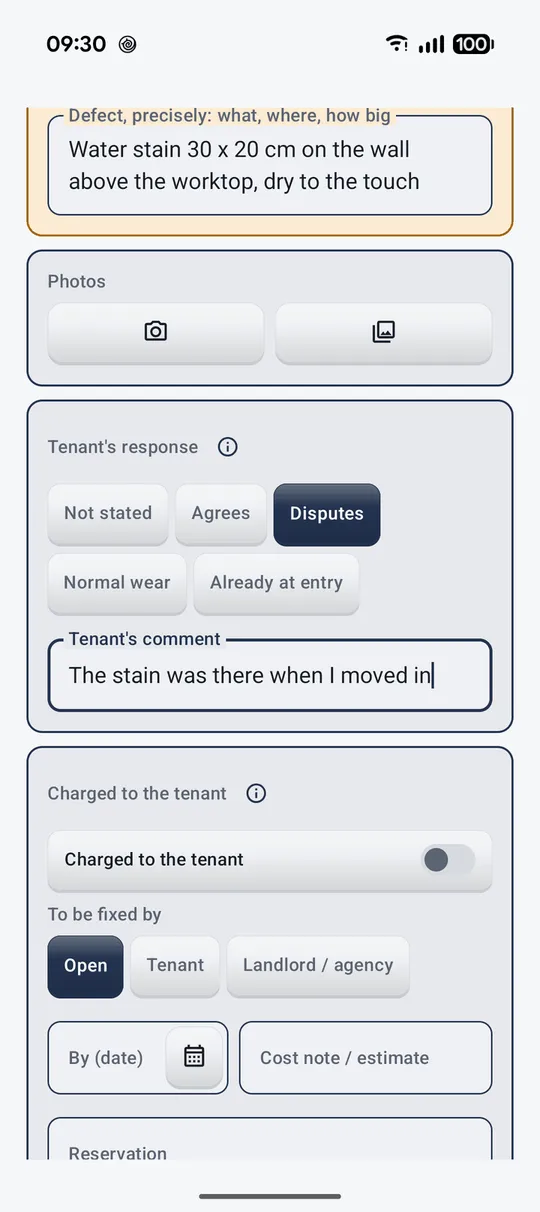
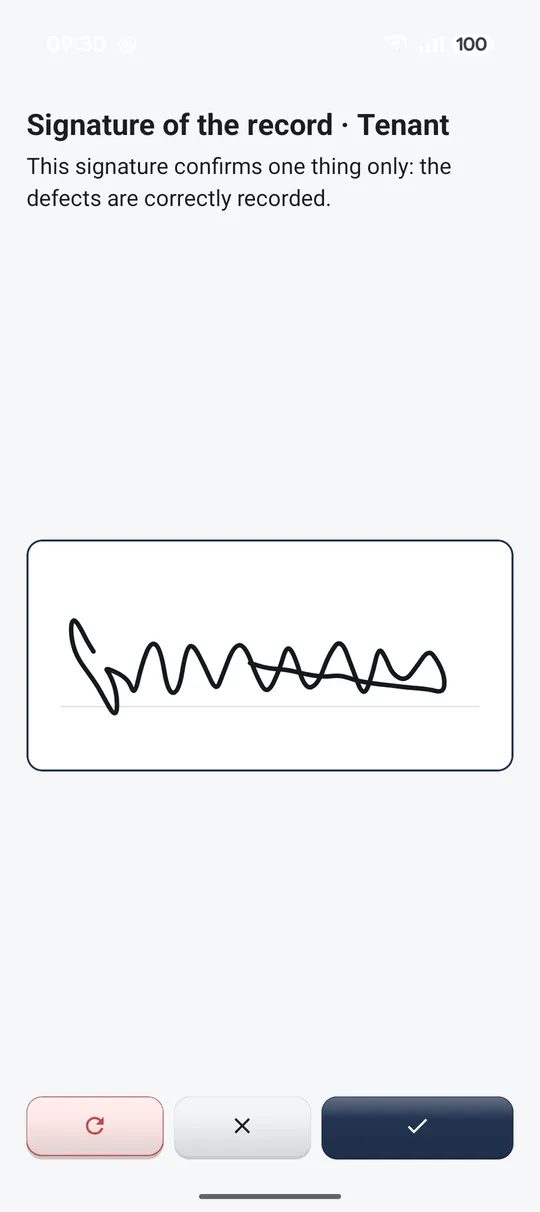
The whole handover, from the first screen to the signed PDF, in the order it happens.
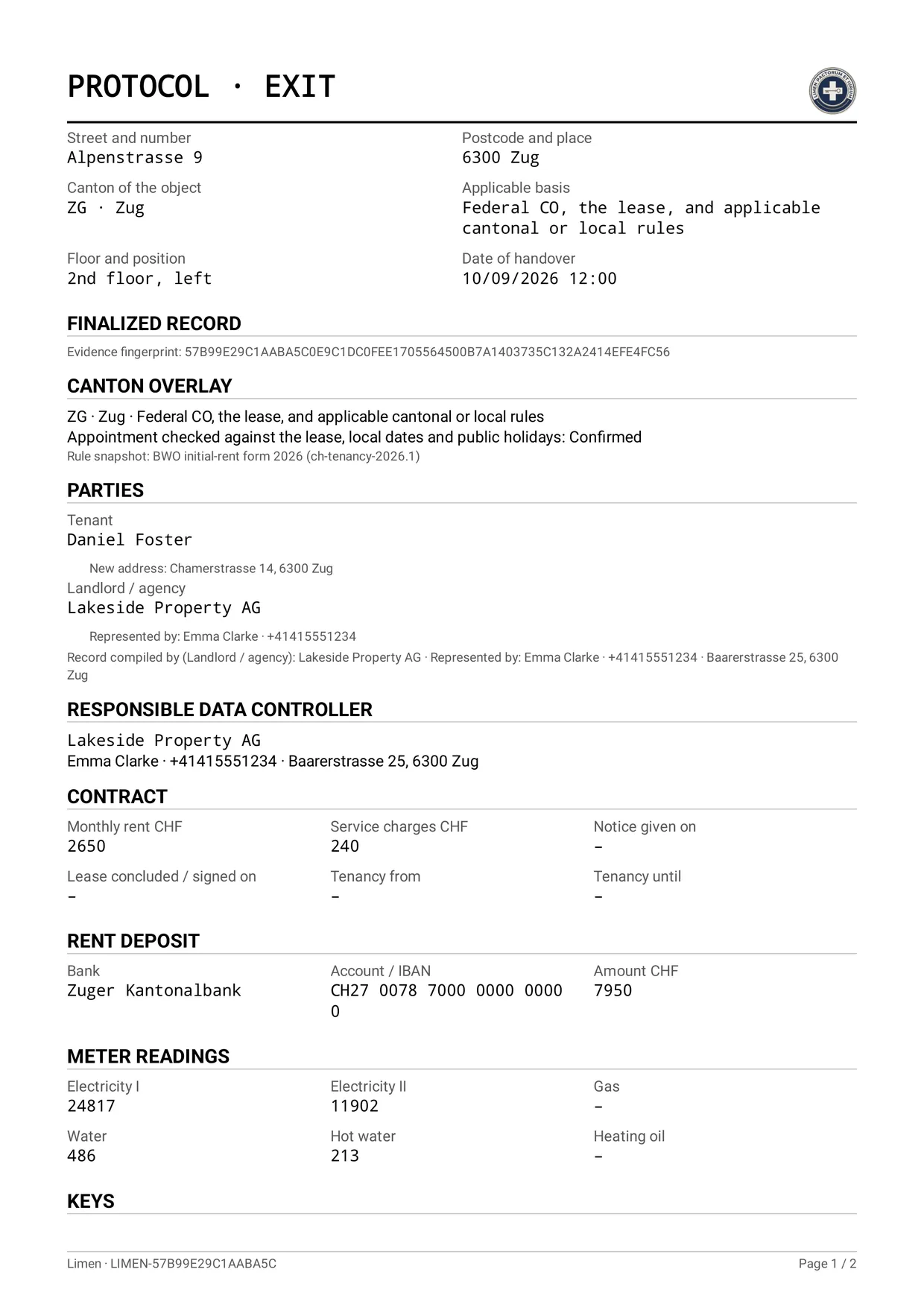
The exported record
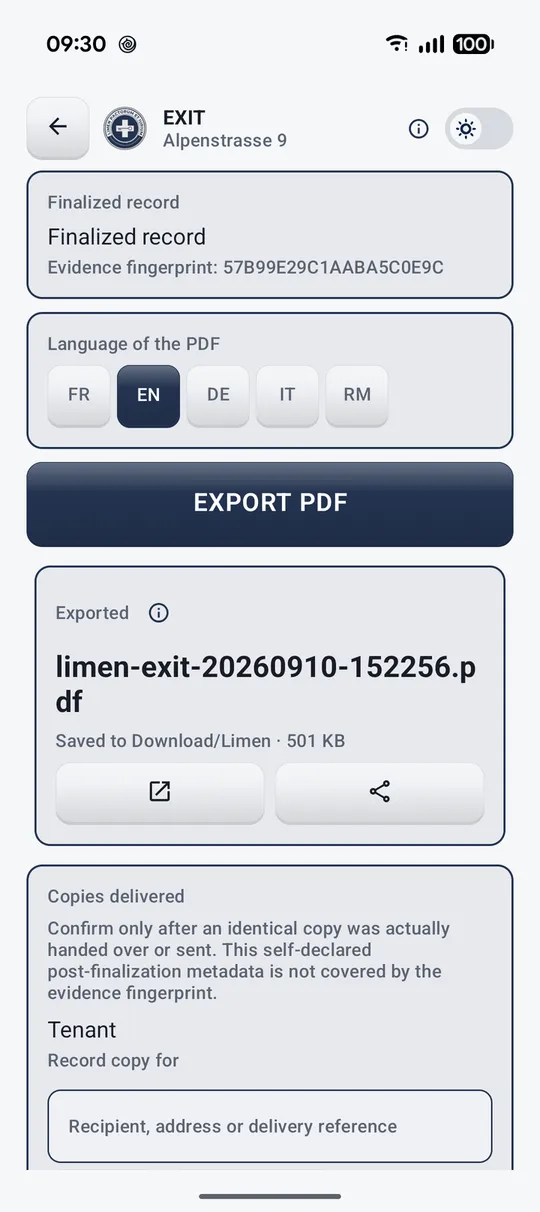
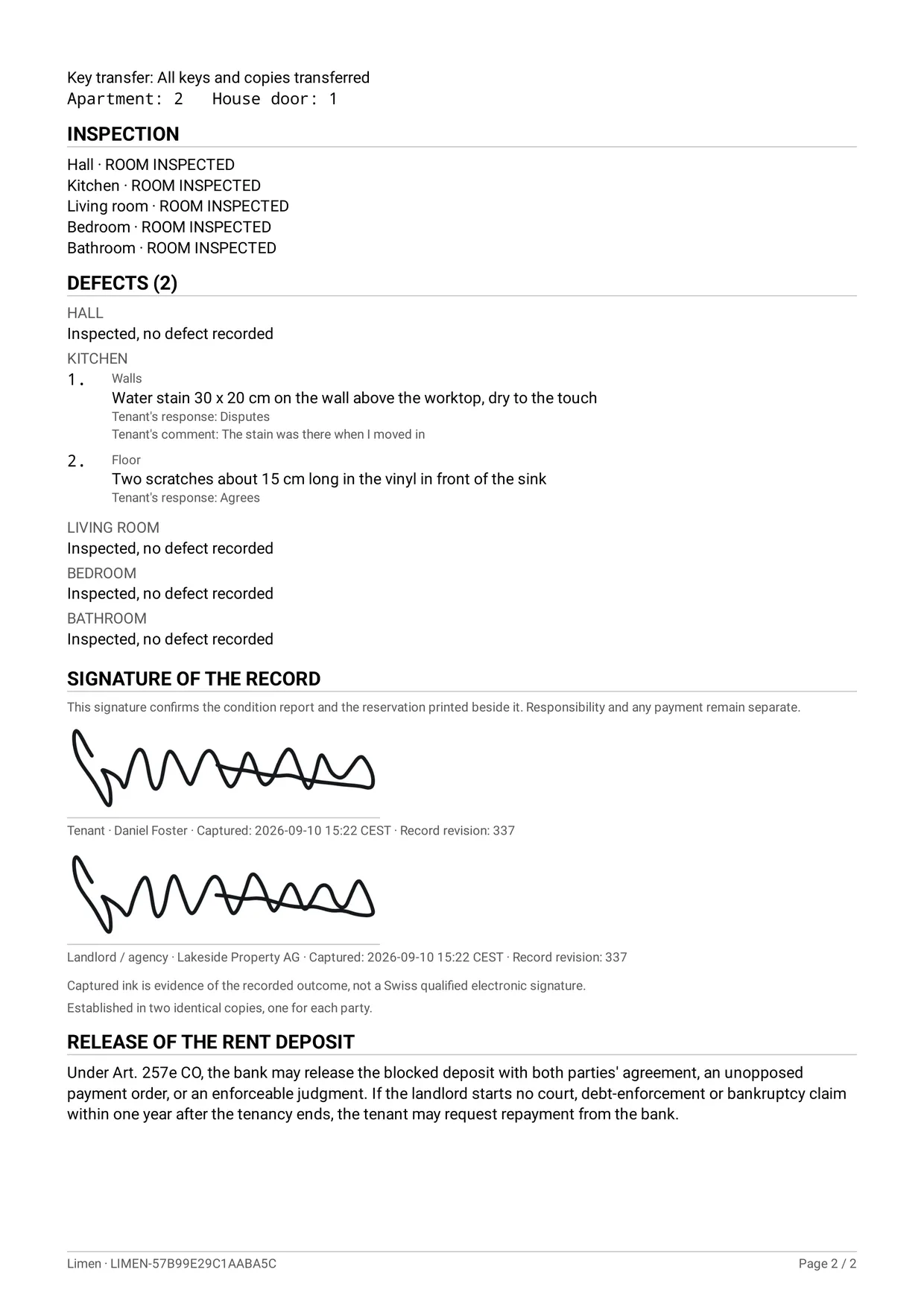
The PDF the app produces at the end of the handover. Each party takes away an identical copy.
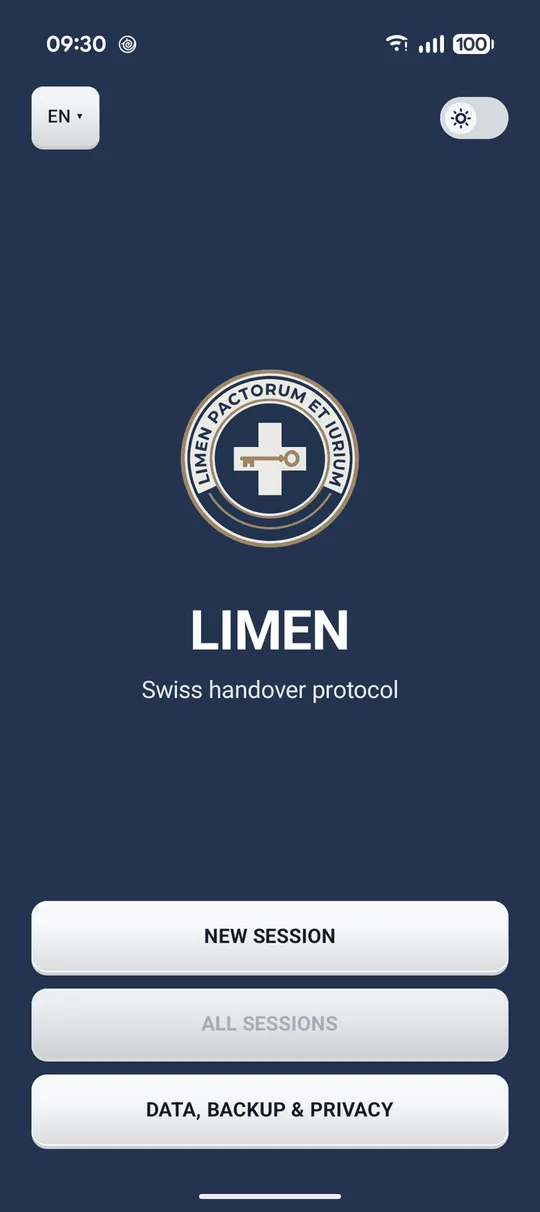
Limen
Swiss handover protocol
Limen records the handover of a Swiss apartment, from the first meter reading to a signed PDF both parties take away.
A handover is completed in one session on one phone. The person holding the phone selects their role at the start, and both parties sign the same inspection record.
The record
Each room records any defects found during inspection. An inspected room is also marked as checked, even when no defect is recorded. This distinguishes a room inspected without findings from a room that has not yet been checked.
Each finding takes a description, photographs, who is charged, a repair deadline, an estimate, and the other party’s stated position. At an exit protocol the tenant can dispute a finding, call it normal wear, or say it was already there at entry, without the app treating any of it as an admission.
The dossier
Address, parties, contract, deposit, meter readings and keys. Optional sections appear only when the handover has them, so a record never asks for a deposit it does not involve.
A cantonal overlay covers the rules that differ across Switzerland, including the Vaud RULV framework and the initial rent form, with the year of the snapshot stated on screen.
Signature and export
Both parties sign on the phone or record a reason for refusing, with any reservation shown beside the signature. A finalised record cannot be edited. A linked amendment records later additions. The A4 PDF includes the photographs in a numbered annex.
Privacy
No account, no sign-in, no advertising, no analytics and no crash reporting. Protocols, photographs and signatures stay in the app’s private storage until you export, share or back them up.
When you type a Swiss address, Limen sends the entered text to the federal swisstopo address service to retrieve suggestions. The field stays free to type when the phone is offline or nothing matches. This is the app’s only internet use. Inspection records stay on the phone and are not sent to the developer.
Five languages
French, German, Italian, Romansh and English, in the app and in the exported PDF, which you can produce in a language other than the one you work in.
Limen is a structured handover tool. It is not legal advice and does not replace the official guidance in force.